

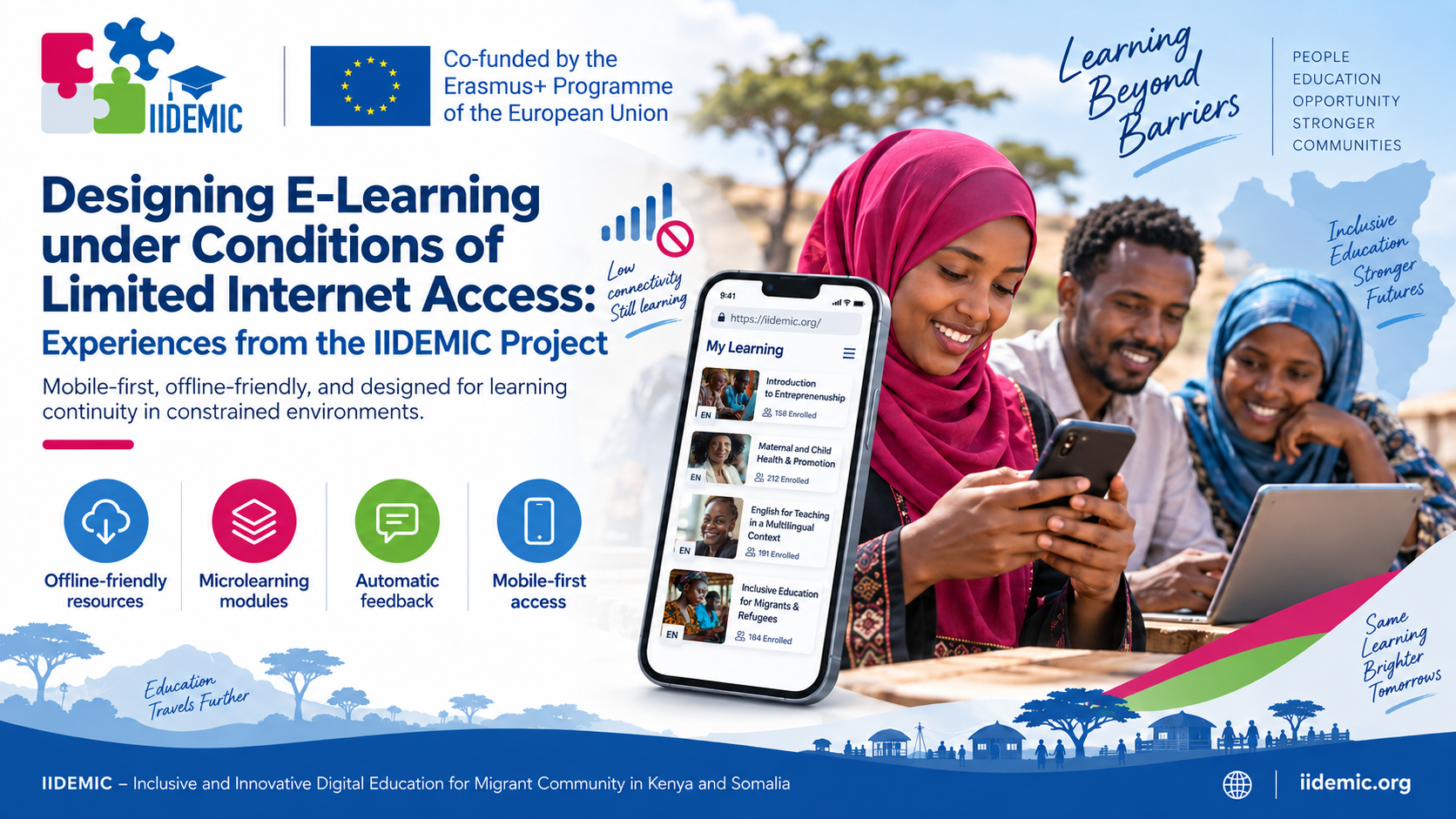
Designing E-Learning under Conditions of Limited Internet Access: Experiences from the IIDEMIC Project
When we think of e-learning, it is easy to imagine a fairly comfortable set of conditions: a laptop, stable Wi-Fi, the possibility of watching a high-quality video, attending a webinar, or quickly downloading materials. The problem begins when none of these conditions can be taken for granted.
In the IIDEMIC project (Inclusive and Innovative Digital Education for Migrant Communities in Kenya and Somalia), asynchronous courses were designed for teachers working in the Kakuma and Dadaab refugee camps in Kenya and among internally displaced communities in Bosaso, Somalia. In such environments, internet access is most often unstable, data packages are limited, a stable Wi-Fi connection sounds like a distant dream, and the primary learning device is more often a smartphone than a computer. Added to this are problems with access to electricity and ordinary constraints on time — teachers complete the courses alongside their everyday professional and family responsibilities.
This changes the way one has to think about designing e-learning. Technological constraints cannot be treated as a problem to be solved only after the course has been built. They are one of the design conditions that must be taken into account from the outset.
Online Does Not Have to Mean Always Connected
Abandoning the belief that digital education requires a constant network connection was therefore a sine qua non condition in designing the educational tools supporting teachers’ work. A digital course does not, after all, have to mean streaming, hours spent watching webinars held at a specific time on a specific platform, or elaborate multimedia downloaded every time the material is launched. A far more useful question becomes: what technology do we actually need in order to achieve the intended educational goal?
For this reason, the project used Moodle as the learning management platform, with courses developed in Articulate Rise. The materials were designed to be responsive, usable on mobile devices, and organized so that participants would not have to remain constantly online — or so that gaps in network access would still allow learning to be started or continued, even if the only resource available to the learner at a given moment was a charged smartphone and some time. Some resources are accessed, or downloaded in advance, during a network connection and then used without continuous data transfer. The internet is therefore needed above all at the moments when it genuinely adds value: for synchronizing progress, updating data, or communication.
This approach is not merely of theoretical significance. Access problems did in fact arise during the IIDEMIC pilot. In Bosaso, 37.5% of participants reported difficulties accessing the course, including slow page loading caused by poor internet bandwidth. In Dadaab, one of the constraints was small data packages. At the same time, among participants who did manage to access the course, completion rates reached 75% in Bosaso and 73% in Dadaab. Interestingly, in the subsequent stage of the pilot, effective offline caching — that is, the effective storage of part of the resources enabling their use under limited connectivity — was already identified as one of the solution’s strengths. At the same time, limited internet access remained one of the problems observed in some locations.
A Digital Resource Is Not a Copy of a Textbook
Simply transferring educational materials into a digital environment also brings important benefits — provided that e-learning is not treated as a PDF placed on a platform. A well-designed digital resource can combine, in one place, text, graphics, short multimedia elements, exercises, knowledge checks, and feedback. In each course within the IIDEMIC project, a substantive knowledge base was built consisting of:
- A substantive handbook in PDF form;
- Short video lectures;
- Simulations allowing safe experimentation in a digital environment, which increases the engagement of learning teachers and stimulates higher-order thinking in them;
- Tutorials and case-study tasks accompanied by ready-made model solutions;
- Interactive exercises with automatic feedback, which help build learners’ confidence, allow them to progress through the learning process, and prevent the entrenchment of errors.
Video was also used for instructional purposes and reflective exercises. Infographics illustrating local context are likewise significant, as are the aesthetics and color schemes of the courses, which support the perception of difficult theoretical knowledge and present it in a simplified, visually appealing form. Professionally selected illustrations, diagrams, and background proportions significantly increase the instructional value of the entire educational project. The same holds for sound and audio narration. Adding narrated voiceover helps learners consolidate the material through an additional sensory channel.
Learners therefore do not need to use the handbook, the interactive exercises, the case studies to be solved, and the other supplementary materials included in the courses all at once — although they may. Instead, they receive a coherent learning environment to which they can return whenever they have the opportunity. Here, the digital material takes over almost all the functions performed in traditional education by the instructor: it guides the participant through successive stages, suggests what to do, allows them to check their understanding of the material, and provides feedback on the outcome. At the same time, it can operate across different devices — smartphone, tablet, or computer — and allow learning at one’s own pace.
Digitization also simplifies distribution. There is no need to print successive versions of materials and physically deliver them to different locations. A single resource can be made available to a large group, updated, and — particularly important in an international project — prepared in successive language versions. In the IIDEMIC project, ten courses were first developed in English, with their release in local languages, Swahili and Somali, planned following the pilot.
Shorter Means More Accessible in This Context
The very architecture of the courses designed within the IIDEMIC project is also of considerable importance. Long material requiring an uninterrupted hour of work is difficult to complete even with a good internet connection. With an unstable connection, it becomes an even greater problem. For this reason, content in the courses was divided into shorter, largely self-contained units. Participants can complete one part, finish their session, and return to the next one whenever they again have the time and conditions to study. In such an environment, microlearning is therefore not merely a fashionable way of sustaining attention. It becomes a mechanism that increases accessibility.
This is confirmed by findings from the pilot as well. Among the recommendations made by the learners themselves were the possibility of modular course completion, an extension of completion time, and progress tracking that allows participants to finish the material in stages.
Small units have another advantage: they reduce the cost of interrupting one’s learning. If a participant loses connection after seven minutes of work, it is easier to return to a short, clearly delineated section than to relocate one’s place within an hour-long lecture or an extensive piece of material.
A Broken Connection Is Also Broken Attention
An unstable connection is, in fact, not only a technical problem. It is also a distractor of attention. When material stops loading, the learner stops focusing on the topic at hand and instead begins checking the connection, refreshing the page, restarting the material, or searching for the point at which they left off. Upon returning, they must reconstruct the context and re-engage their attention with the task. The more often this situation recurs, the greater the risk of frustration and of ultimately abandoning the course. In the IIDEMIC pilot, problems with navigation, progress tracking, data transfer, and network access did in fact affect the continuity of learning and course completion. Designing a course that is resilient to such interruptions is therefore not merely a technical optimization. It is a form of protection for the continuity of the learning process.
Practice and Feedback When There Is No Trainer
Short content units should not, however, mean simply splitting a textbook across several screens. Learners still need to do something with the knowledge they acquire. This is why short exercises and check-in questions interspersed with content are an important element of the courses. Their significance is particularly great in asynchronous learning. In a classroom, the instructor sees the group’s reaction, can ask a question, notice a misunderstanding, and clarify it immediately. A person completing a course independently has no such support. If they spend half an hour reading material while misunderstanding one of the key concepts, no one will stop them.
This is where one of the most important capabilities of a well-designed digital resource comes into play: automatic feedback. After completing an exercise, participants immediately learn whether they have correctly understood the topic, and well-prepared feedback is not limited to a message of ‘correct’ or ‘incorrect’ but briefly explains the answer. In this way, the material not only conveys knowledge but, to some extent, guides learners through the process of independent learning. Importantly, such interactions need not involve technological fireworks. A simple single-choice question, a matching exercise, or a short example for analysis can carry greater instructional value than an impressive animation that requires heavy data transfer.
Mobile First – But Genuinely So
Designing for limited access to infrastructure also means accepting an assumption that is rather uncomfortable for the designer: one does not merely check whether the course ‘opens’ on a phone. One designs it as though the phone were meant to be the primary learning device.
This affects, in effect, everything: the length of text passages, the amount of information visible at once, the size of buttons, the mode of navigation, the construction of exercises, and the use of multimedia. Material that looks clear on the designer’s 27-inch monitor can be very difficult to use on a smartphone screen. For this reason, multimedia elements were also subject to demanding selection. The courses used short, one- to two-minute statements from the course authors, and only those that genuinely helped explain, clarify, or demonstrate something. If the same function could be served equally well by text, a diagram, or a simple graphic, the lighter solution simply became the better solution. Low bandwidth does not mean low quality. The quality of a course is, after all, not determined by the number of videos, animations, and interactions produced, but by whether the means employed help achieve the educational goal.
Technological Accessibility Is Also Part of Inclusion
The experience of IIDEMIC thus leads to a broader conclusion. When discussing the accessibility of digital education, we often think of the accessibility of content and language, the needs of people with disabilities, or standards such as WCAG. These are very important elements, but they do not exhaust the concept of inclusiveness. Education made available online does not automatically become accessible education. If completing a course requires a modern computer, a fast connection, a large data package, and several hours of uninterrupted network access, the solution may be formally accessible to everyone while in practice excluding part of its audience. Indeed, this is precisely why one of the aims of the IIDEMIC pilot was to test the platform’s ability to function under poor or limited connectivity — a condition explicitly recognized as critical in the refugee context.
Technological inclusion therefore also means designing education that does not exclude a person on the basis of the quality of their device, the speed of their connection, or the stability of the infrastructure.
At the same time, the IIDEMIC experience shows that designing for constraints does not have to mean lowering the quality of education. On the contrary — it forces designers to make more deliberate decisions. Is this video really necessary? Does the participant need to be online right now? Will this exercise work on a phone? Can the material be divided into smaller parts? And finally: will a person who is about to lose connection be able to return to learning without much difficulty? In this approach, technology ceases to be an attraction added to the course. It becomes infrastructure that is, as far as possible, invisible — infrastructure whose most important task is simply to let people learn.
Agnieszka Goncerzewicz
UWSB Merito in Poznań
More: https://iidemic.org/